WordPress Speed Optimization: How to Make Your Website Faster
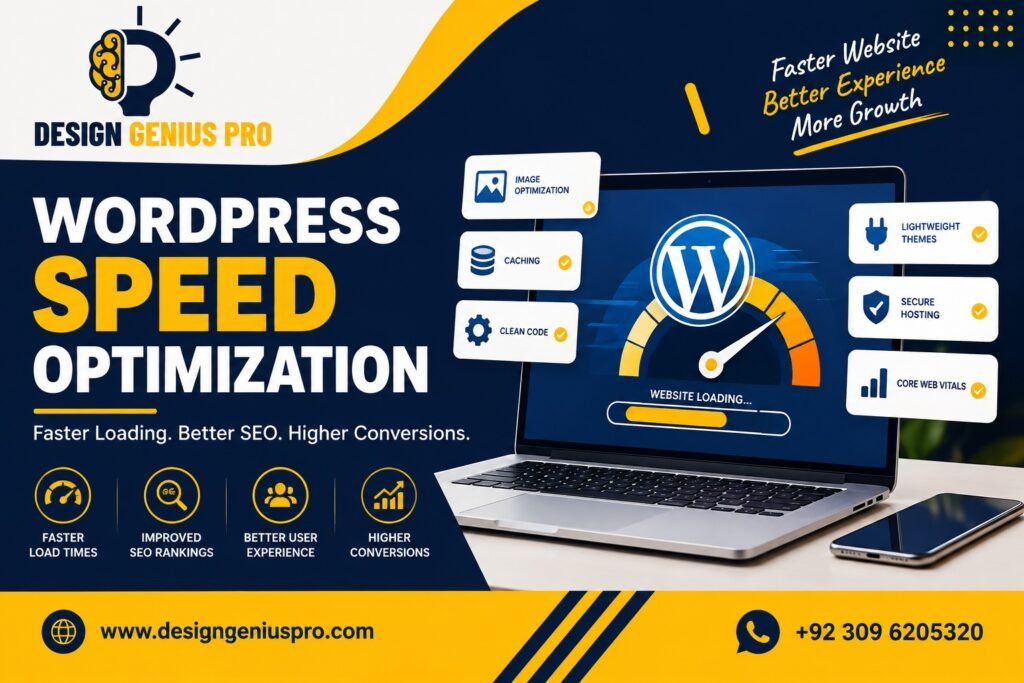
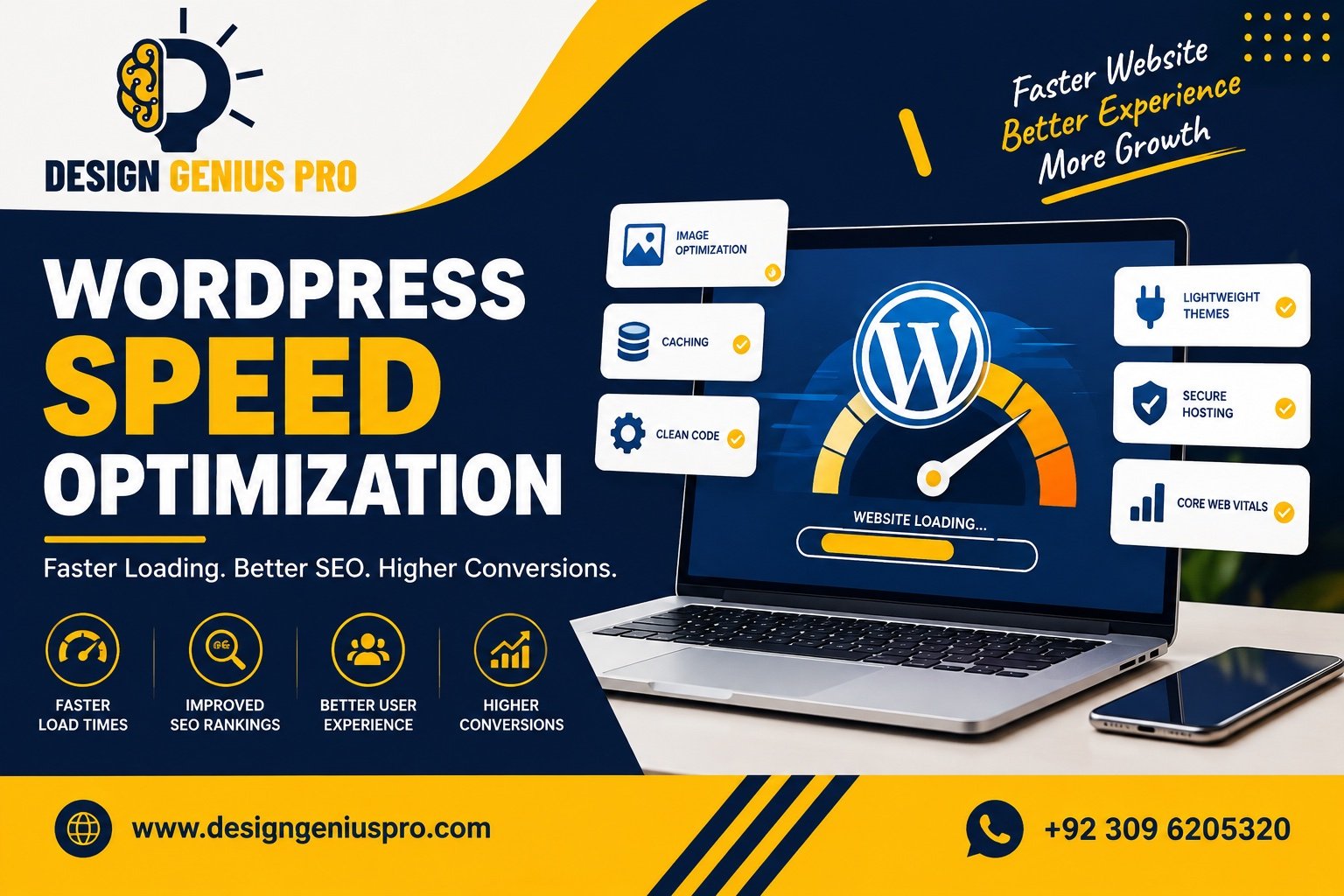
Website speed is an important part of a successful WordPress website. A beautiful design is not enough if visitors have to wait several seconds for pages, images, or menus to load.
WordPress speed optimization focuses on improving how quickly and efficiently your website loads and responds. It can involve everything from image optimization and caching to hosting, plugins, themes, JavaScript, CSS, and database performance.
WordPress itself recommends looking at factors such as hosting, configuration, themes, plugins, images, caching, compression, and database performance when optimizing a website.
Visitors expect websites to respond quickly, particularly when browsing on mobile devices. A slow website can make it harder for users to find information, complete forms, browse products, or make purchases.
Speed is also connected to the overall user experience and technical performance of a website. WordPress recommends measuring performance rather than simply assuming that a particular optimization has improved the site.
For businesses, a faster website can help create a smoother path from the first visit to an inquiry, booking, or purchase.
Large images are one of the common causes of slow WordPress websites.
Uploading a high-resolution image directly from a camera or design software can create unnecessarily large files. Instead, images should be resized to the dimensions actually required by the website and compressed appropriately.
Modern formats such as WebP can also reduce image file sizes. WordPress’s own optimization guidance recommends optimizing image files and considering modern formats such as WebP.
Caching is one of the most important techniques for WordPress speed optimization.
Instead of rebuilding a page from scratch for every visitor, caching can allow WordPress to serve a previously generated version of the page much more efficiently.
WordPress documentation specifically highlights caching as a major performance improvement and discusses page, browser, server, and object caching.
A properly configured caching system can reduce server processing and improve page delivery.
WordPress plugins add functionality, but installing too many plugins can increase the amount of code and processing required by a website.
This doesn’t mean that every plugin automatically makes a website slow. Plugin quality, configuration, functionality, and the resources each plugin loads are important.
WordPress recommends identifying unnecessary plugins and testing whether individual plugins are contributing to performance problems.
Regularly review your plugins and remove functionality that your website no longer needs.
Your WordPress theme can significantly influence website performance.
A theme that loads unnecessary scripts, styles, animations, fonts, and design components can create additional work for the browser.
A lightweight, well-structured theme can provide a better foundation for a fast website. WordPress also notes that themes can have a major effect on performance.
CSS and JavaScript files can become large as websites grow.
Unused CSS, unnecessary JavaScript, render-blocking resources, and excessive third-party scripts can increase loading and interaction time.
Depending on the website, optimization may include:
Minifying CSS and JavaScript
Removing unused CSS
Deferring non-critical JavaScript
Loading resources only where required
Reducing unnecessary third-party scripts
Optimizing fonts
However, these settings should be tested carefully because aggressive optimization can sometimes break website functionality.
Modern WordPress performance work should consider Core Web Vitals, which measure important aspects of the user experience.
Important metrics include Largest Contentful Paint (LCP), Interaction to Next Paint (INP), and Cumulative Layout Shift (CLS). WordPress’s performance documentation recommends using Web Vitals as part of performance measurement.
Improving these metrics can involve optimizing the main content, reducing JavaScript work, improving server response times, and preventing unexpected layout movement.
Website optimization cannot always fix poor server performance.
Your hosting environment affects how quickly the server can process requests and deliver website content. WordPress identifies hosting, server load, hardware resources, PHP versions, and database performance as factors that can affect website speed.
If a website remains slow despite frontend optimization, the hosting environment may need to be investigated.
A Content Delivery Network (CDN) can deliver static website resources from locations closer to visitors.
This can be particularly useful for businesses serving customers across different cities, states, or countries.
WordPress recommends CDNs as one option for reducing server load and improving delivery of static resources such as images, JavaScript, CSS, and theme files.
WordPress core, themes, plugins, PHP, and other server software should be kept appropriately updated.
Updates can include performance improvements, bug fixes, compatibility improvements, and security fixes. WordPress recommends keeping software versions current as part of website performance management.
Always maintain a reliable backup before making significant updates or optimization changes.
Don’t optimize based only on assumptions.
Run performance tests before making changes, implement optimizations, and then test again. This allows you to identify which changes actually improved performance.
It’s also important to test different pages because the homepage, blog, service pages, and WooCommerce product pages can have completely different performance characteristics.
A fast website requires more than installing a caching plugin. WordPress speed optimization can involve hosting, images, plugins, themes, caching, CSS, JavaScript, databases, and server configuration.
At Design Genius Pro, we help businesses improve WordPress website performance through practical optimization focused on speed, usability, mobile performance, and technical website quality.
If your WordPress website is loading slowly, contact Design Genius Pro for professional WordPress speed optimization and website performance services.
Website: https://designgeniuspro.com/
WhatsApp: +92 309 6205320
A faster WordPress website can provide visitors with a smoother experience and give your business a stronger technical foundation for growth.
Need assistance? We’re here to help with support, guidance, and resources. Reach out to us anytime.
Contact Design Genius Pro today for professional WordPress website design and development.
WhatsApp us